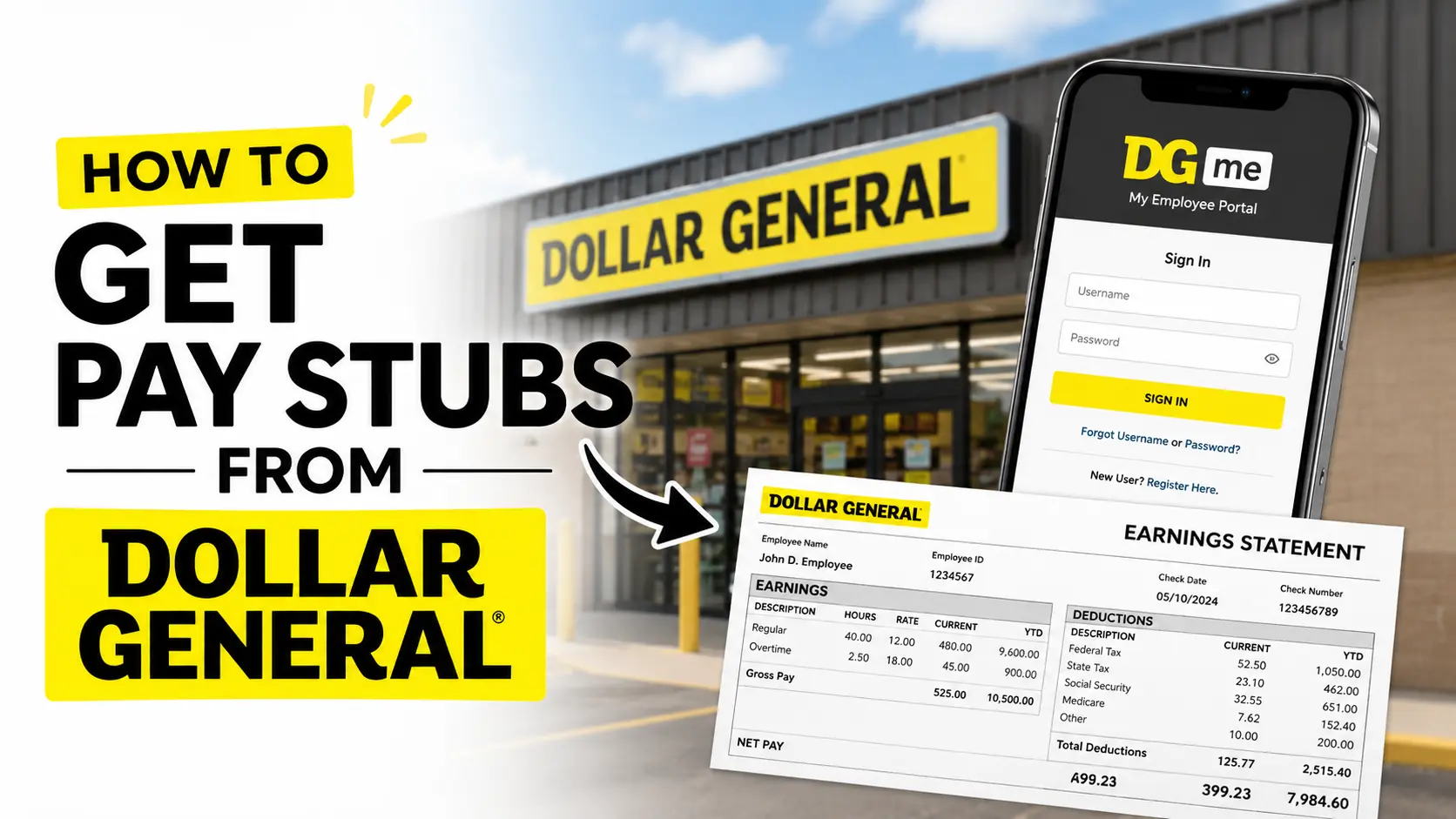
Dollar General employees often need pay stubs for various reasons, including applying for loans, renting an apartment, verifying employment, filing taxes, or checking paycheck details. If you’re wondering how to get your Dollar General pay stubs, the process is simple once you know where to look.
This guide explains the different ways current and former Dollar General employees can access their pay stubs.
Contents
- 1 What Is a Dollar General Pay Stub?
- 2 How to Get Pay Stubs From Dollar General Online
- 3 Can Former Dollar General Employees Access Pay Stubs?
- 4 What If You Forgot Your DGME Password?
- 5 Alternative Ways to Get Dollar General Pay Stubs
- 6 Information You May Need When Requesting Pay Stubs
- 7 Common Reasons Employees Need Pay Stubs
- 8 Troubleshooting Pay Stub Access Issues
- 9 Frequently Asked Questions
What Is a Dollar General Pay Stub?
A pay stub is a document that shows details about your earnings for a specific pay period. It typically includes:
- Gross pay
- Net pay
- Hours worked
- Overtime pay
- Taxes withheld
- Benefits deductions
- Retirement contributions
- Year-to-date earnings
Dollar General provides digital access to pay stubs through its employee systems.
How to Get Pay Stubs From Dollar General Online
The easiest way to access your pay stubs is through the Dollar General employee portal.
Method 1: The Online DGME / PayStubPortal (Fastest & Preferred)
Dollar General manages its employee pay records through an online self-service framework. You can access this platform from a personal computer, smartphone, or even from the office computer in the back of your store.
For First-Time Users: Registering Your Account
If you have never looked at your digital pay stubs before, you will need to set up your access credentials first.
- Head to the official DGME Employee Portal : https://webapps.dolgen.net/dgme2/ or search directly for the Dollar General PayStubPortal.
- Click on the “Register Now” or “Register Here” link.
- Fill in your information strictly as it appears on your hiring paperwork:
- Employee ID number (EID)
- Legal first name
- Date of birth
- The last 4 digits of your Social Security Number (SSN)
- Submit the form and create a secure, 4-digit PIN and password that you will use for all future log-ins.
For Returning Users: Logging In and Downloading
Once your registration is complete, retrieving the actual document is incredibly straightforward.
- Log in to the Portal: Enter your Employee ID, your initials, and the secure PIN/password you created during registration.
- Navigate to the Earnings Dashboard: Once inside your main employee dashboard, click on the Resources or Apps tab. Scroll down or click directly on the section prominently labeled “Pay Stubs” or “Earnings.”
- Select Your Pay Period: You will see a chronological list of your past paydays. Click on the specific date link or pay period you need to open your detailed earnings statement.
- Download or Print: Review the layout to ensure your regular hours, overtime, and deductions look correct. Use the built-in portal controls to Download as a PDF or send it directly to a local printer.
Method 2: Requesting Physical Stubs via Store Management
If you hit a technical glitch online or don’t have immediate internet access, you can go old-school.
Every branch has an office computer with network access to employee payroll systems. You can request your Store Manager (SM) or Assistant Store Manager (ASM) to log into the internal system, pull up your relevant pay dates, and print a hard copy directly from the store’s office printer.
Method 3: What If You Are a Former Employee?
If you no longer work for Dollar General, you still have a legal right to your payroll records and tax documents, though your standard employee portal access might expire.
- Try the Alumni Link: Former employees can often still access limited versions of the PayStubPortal or ADP accounts using their old Employee ID credentials to download historical PDFs.
- Call HR/Payroll Support: If the system locks you out completely, you can call Dollar General’s corporate support services to request manual document copies.
Can Former Dollar General Employees Access Pay Stubs?
In many cases, former employees may still be able to access payroll records for a limited period through the employee portal.
If you can no longer log in:
- Contact Dollar General Human Resources.
- Reach out to your former store manager.
- Request copies from the payroll department.
You may need to verify your identity before receiving payroll records.
What If You Forgot Your DGME Password?
If you’re unable to sign in:
Reset Your Password
- Go to the login page.
- Select Forgot Password.
- Follow the verification process.
- Create a new password.
If password recovery doesn’t work, contact Dollar General support for assistance.
Alternative Ways to Get Dollar General Pay Stubs
If the employee portal is unavailable, consider these options:
Contact Your Store Manager
Current employees can ask their manager for guidance on accessing payroll records.
Contact Human Resources
Dollar General’s HR department can help verify employment and provide instructions for obtaining pay stubs.
Contact Payroll Support
Payroll representatives may be able to provide copies of pay stubs or direct you to the appropriate system.
Information You May Need When Requesting Pay Stubs
Before contacting support, have the following information ready:
- Full name
- Employee ID
- Store number (if known)
- Employment dates
- Date of birth
- Contact information
Providing accurate information can speed up the verification process.
Common Reasons Employees Need Pay Stubs
Employees often request pay stubs for:
- Mortgage applications
- Apartment rentals
- Auto loans
- Income verification
- Tax preparation
- Financial aid applications
- Personal record keeping
Troubleshooting Pay Stub Access Issues
Login Not Working
- Double-check your Employee ID.
- Verify your password.
- Clear browser cache and cookies.
- Try another browser or device.
Missing Pay Stubs
If a recent pay stub isn’t available:
- Wait until payroll processing is complete.
- Contact payroll support.
- Verify that the pay period has ended.
Locked Account
Multiple failed login attempts may temporarily lock your account. Contact support to regain access.
Frequently Asked Questions
Log in to the DGME employee portal and navigate to the Payroll or Pay Stub section.
Yes. Pay stubs can usually be downloaded as PDFs and printed for personal or official use.
Yes, in many cases. Former employees may need to contact Human Resources or payroll support if portal access is unavailable.
Pay stubs generally include earnings, deductions, taxes withheld, hours worked, and net pay information.
Common reasons include incorrect login credentials, account lockouts, system maintenance, or payroll processing delays.